





















Section 2: Pantry and Fridge Image Review
Pantry and Fridge Image Review
Study Duration
24 Min
Pantry and Fridge Image Review
| Topic | Duration (min) |
|---|---|
| 2.1 Uploading Photos and Reading Your Inventory with AI | 9 |
| 2.2 Building a Reusable Digital Pantry Inventory | 8 |
| 2.3 Spotting What Is About to Expire and Reducing Waste | 7 |
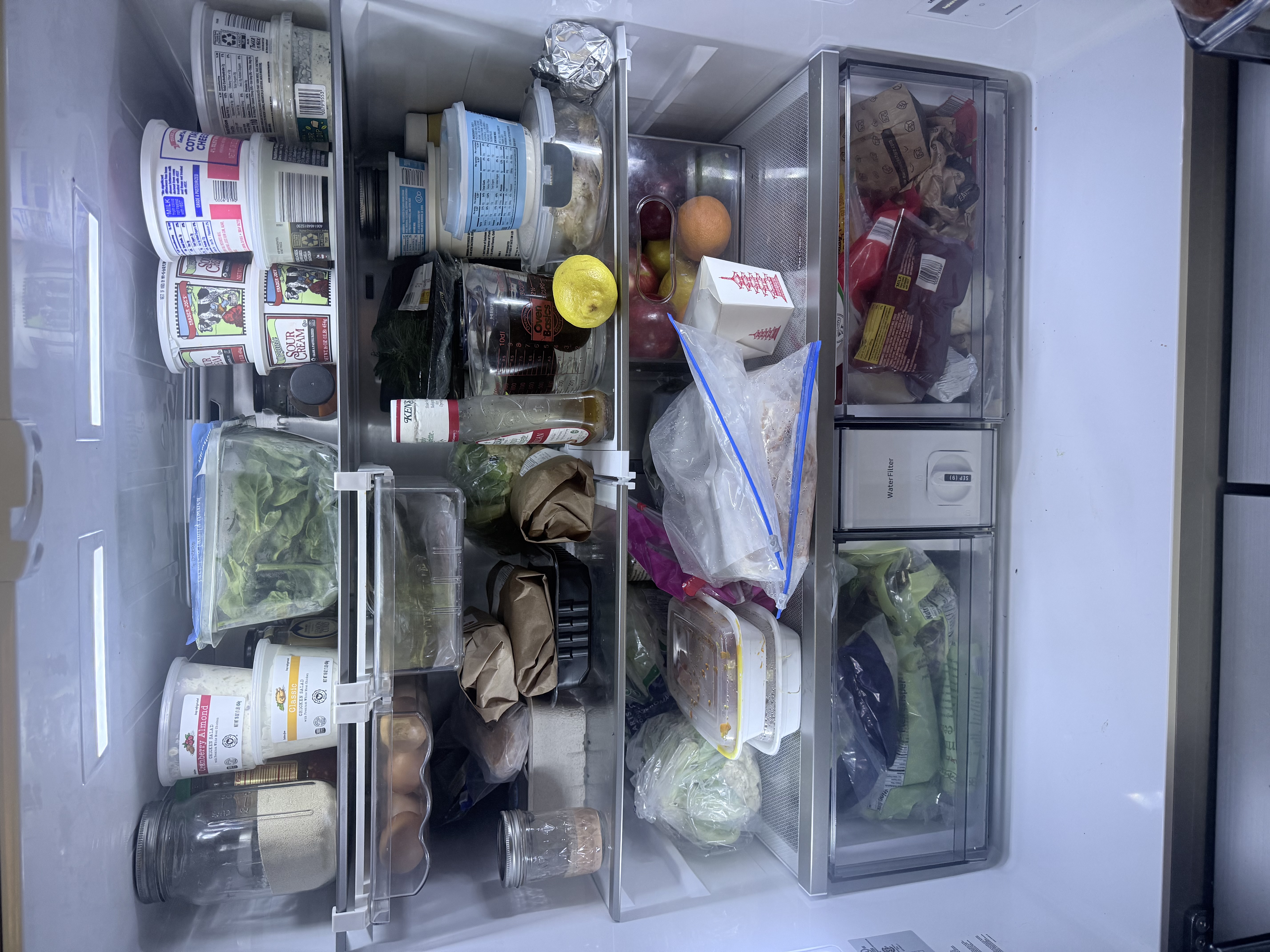
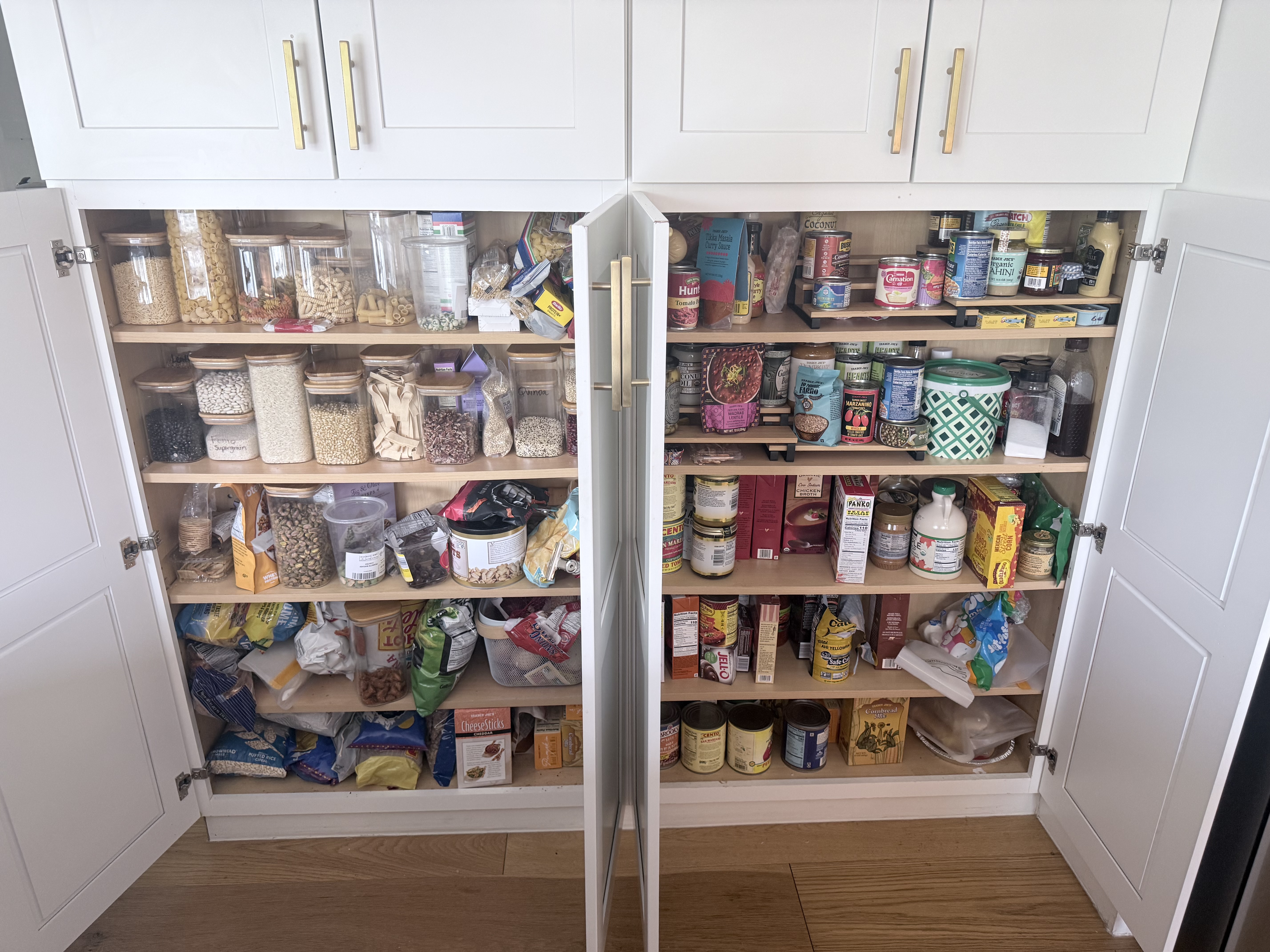
Prompt to use: (Copy and Paste into your AI model and a a photo of your pantry in step 2.1)The Prompts listed in these sections should be done in succession.
I just uploaded photos of my fridge and pantry. Please look at the images and identify every ingredient you can see. --------Stop Copy --------------------- Add these images to your prompt: (Right Click and Download to your computer) You will add these along with the prompt above by clicking the ( + ) or (paperclip) icon in your prompt text box in your model.
|
Text Lessons
#1
Section 1: Getting Started with AI in Your Kitchen
#2
Section 2: Pantry and Fridge Image Review
#3
Section 3: Building Your Weekly Meal Plan
#4
Section 4: Smart Grocery and Shopping Lists
#5
Section 5: Scaling Up: Monthly Planning and Budget Mastery
#6
Section 6: Putting It All Together
View full lessons
Check course learning page


